Testing office guide
The testing office is where promotion testing is run. You see the parts that belong to your role.
Who does what
| Who | What they do |
|---|---|
| Bishops, deacons (and super admins) | See and run everything. Add regions and name the regional captains and officers. Approve any promotion. |
| Testing staff | Write the rank ladder, each rank's question bank and the tests, and open testing seasons. Super admins and leadership give the Testing staff role on People. |
| Regional captains and officers | Run testing in their region: name its district officers and its schools' officers, add its schools to seasons, record ranks, and approve its promotions. |
| District officers | The same, for their district's schools. |
| A school's 1st and 2nd officers | Set their school's testing window and test dates, and choose its proctors. |
| Proctors | Open their school's sittings on test days, which gives the code candidates enter. |
Regions & officers
Regions & officers shows the shared places list, Region → District → School. It's the same list Tents of Jacob uses.
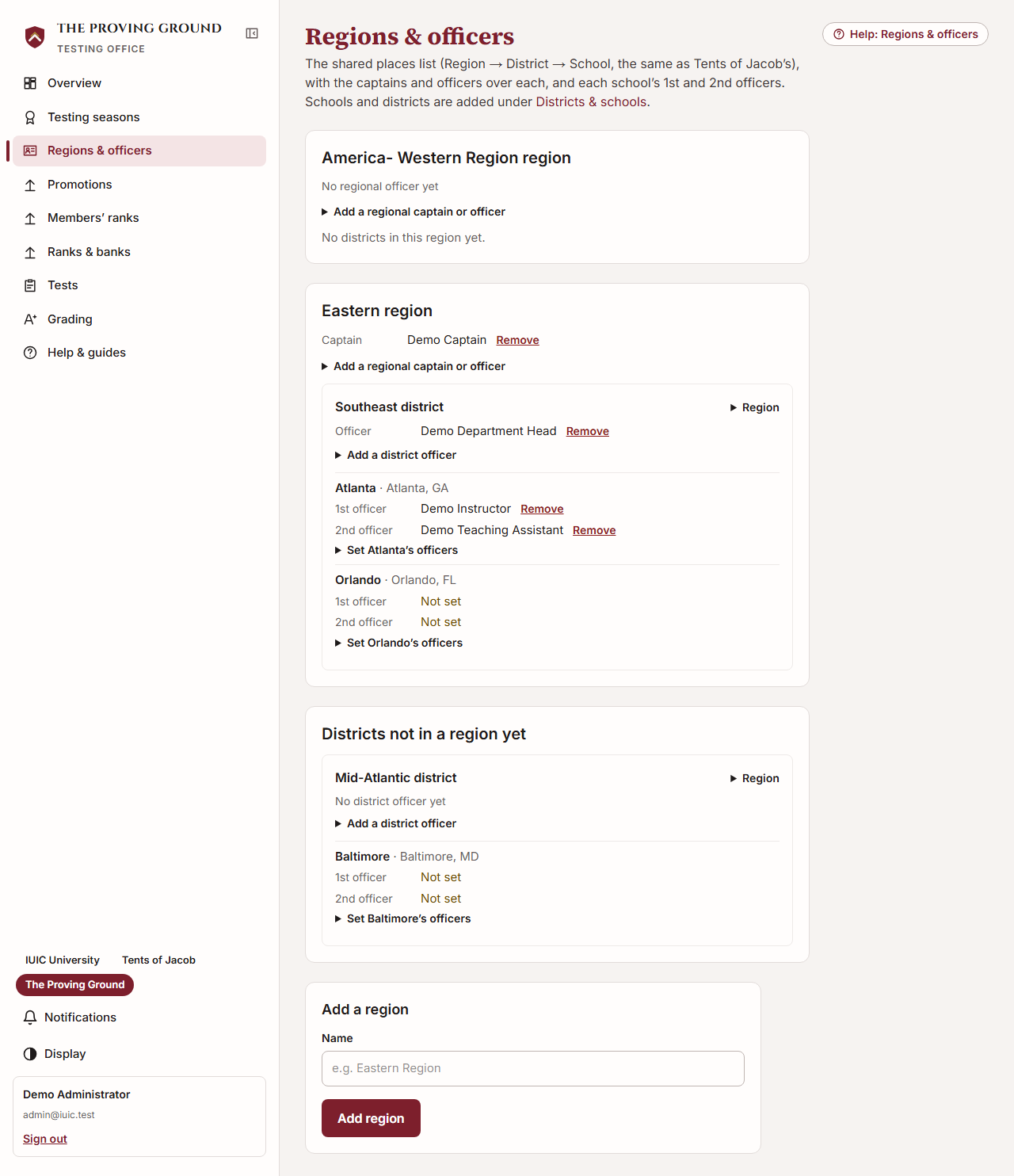
- Regions: bishops and deacons add regions, put districts in them, and name each region's captains or officers.
- District officers: a region's officers (or leadership) name the officers of the districts in it.
- School officers: the officers over a school set its 1st officer (the primary) and 2nd officer.
New districts and schools are added under Districts & schools in Tents of Jacob's program office.
Ranks & banks
Ranks & banks holds the rank ladder, grouped (Brothers, Sisters, Children, Officers …).
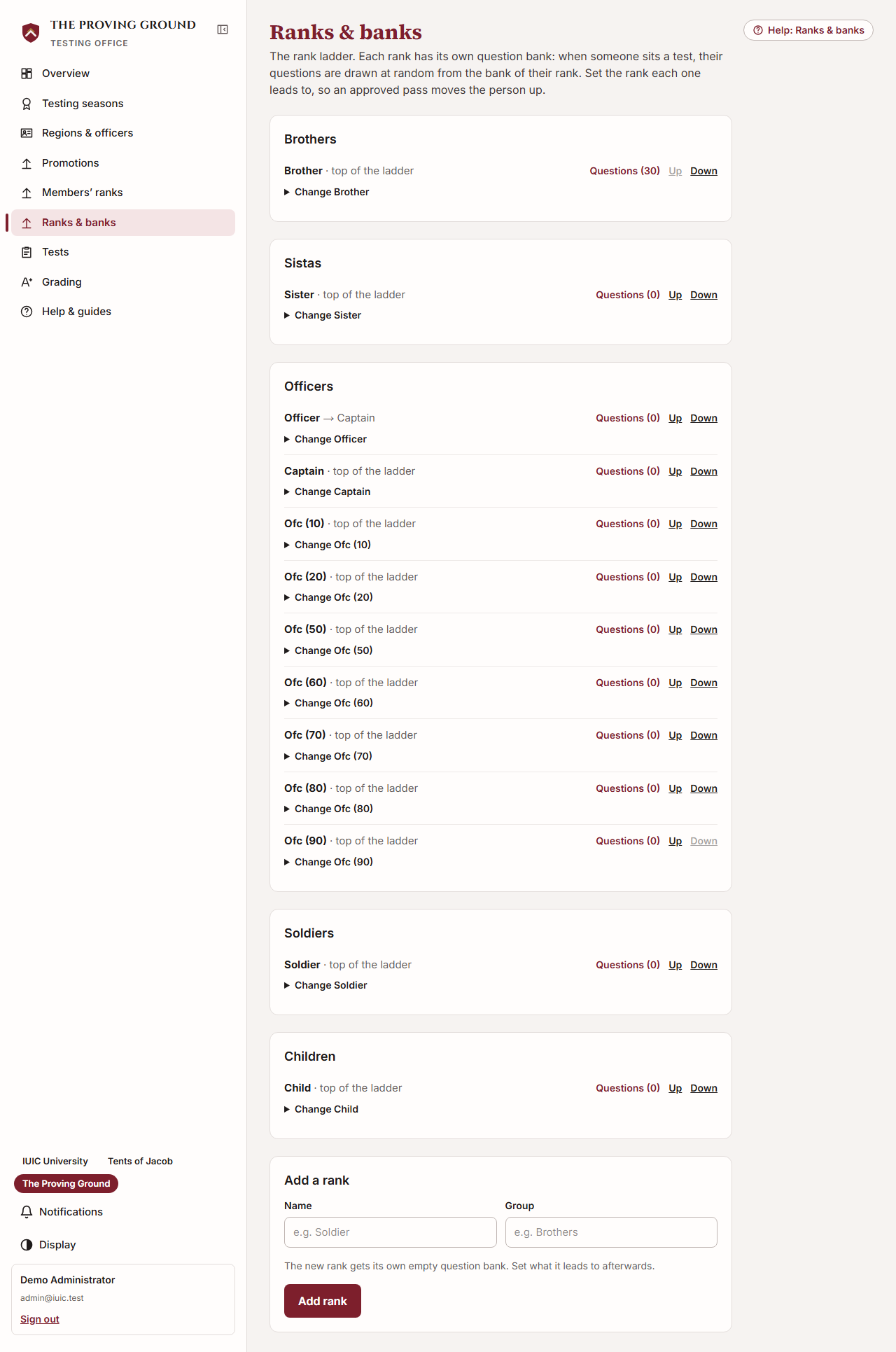
- Each rank's bank: every rank has its own question bank. Click Questions to open it in the question editor, which has every question type, reading passages and picture questions.
- What a pass leads to: set it for each rank (for example Brother → Soldier), so an approved pass moves the person up.
- Order and use: Up and Down change the order. A rank that's not in use gets no version of the tests.
Members' ranks
Record each person's current rank once, by their email or username. After that, an approved promotion changes it by itself. Testing staff, leadership and area officers record ranks.
Tests
Write a test once:
- the number of questions;
- the points for each question;
- the passing score;
- an optional time limit.
Each rank sits its own version, with the same settings, drawn at random from that rank's bank. The test shows whether each rank is ready, meaning its bank has at least as many questions as the test draws.
Testing seasons
A season is one test, an overall time frame (its first and last day) and the schools taking part.
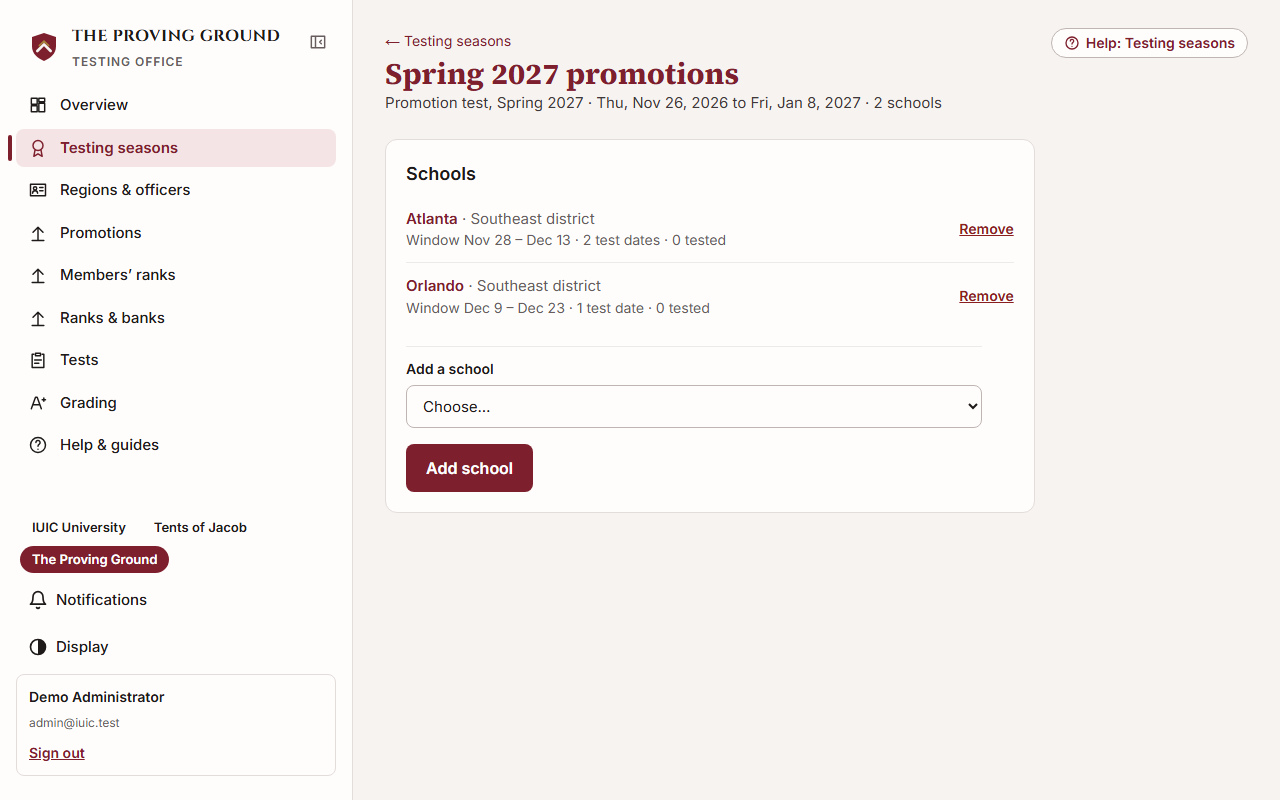
- Opening a season: testing staff open the season.
- Adding schools: testing staff, and the officers over a school, add it to the season.
- The season list: it shows each school's window, its number of test dates and how many have tested.
Your school in a season
Open your school from the season.
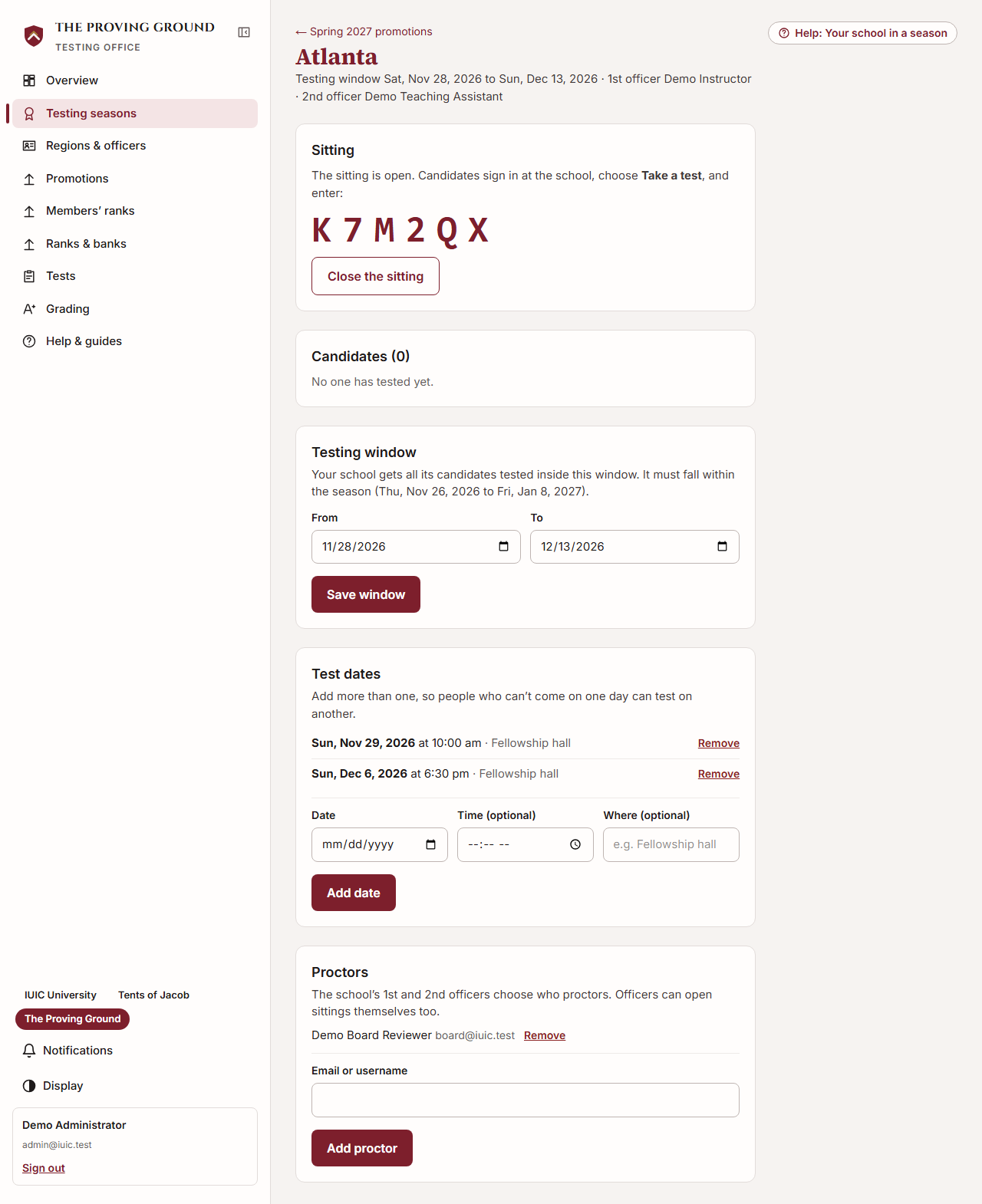
- Testing window: your school's own dates, inside the season. Your school gets all its candidates tested before the window closes.
- Test dates: add as many as you need, so people who can't come one day can test on another. Each date can have a time and a place.
- Proctors: the school's 1st and 2nd officers choose them. Officers can open sittings themselves too.
- Sitting:
- Opening it: on a test date, once candidates have arrived, click Open a sitting. A six-character code appears for candidates to enter under Take a test.
- When it works: only inside the window. A sitting lasts up to 12 hours.
- Closing it: Close the sitting when you're done. Anyone already testing can finish.
- Candidates: who has checked in, who is testing, and each result: Passed, Not passed or Being graded.
Grading
Answers that need a person (essays, file uploads, recordings) wait under Grading for testing staff. A result is final once they're graded.
Promotions
Promotions lists passed tests from the schools you're over.
- Approve promotion: moves the person to the next rank and tells them. You can add a note.
- Decline: leaves their rank as it is. Your note is sent to them.
Bishops and deacons can approve anywhere; captains and officers approve for their own region or district.